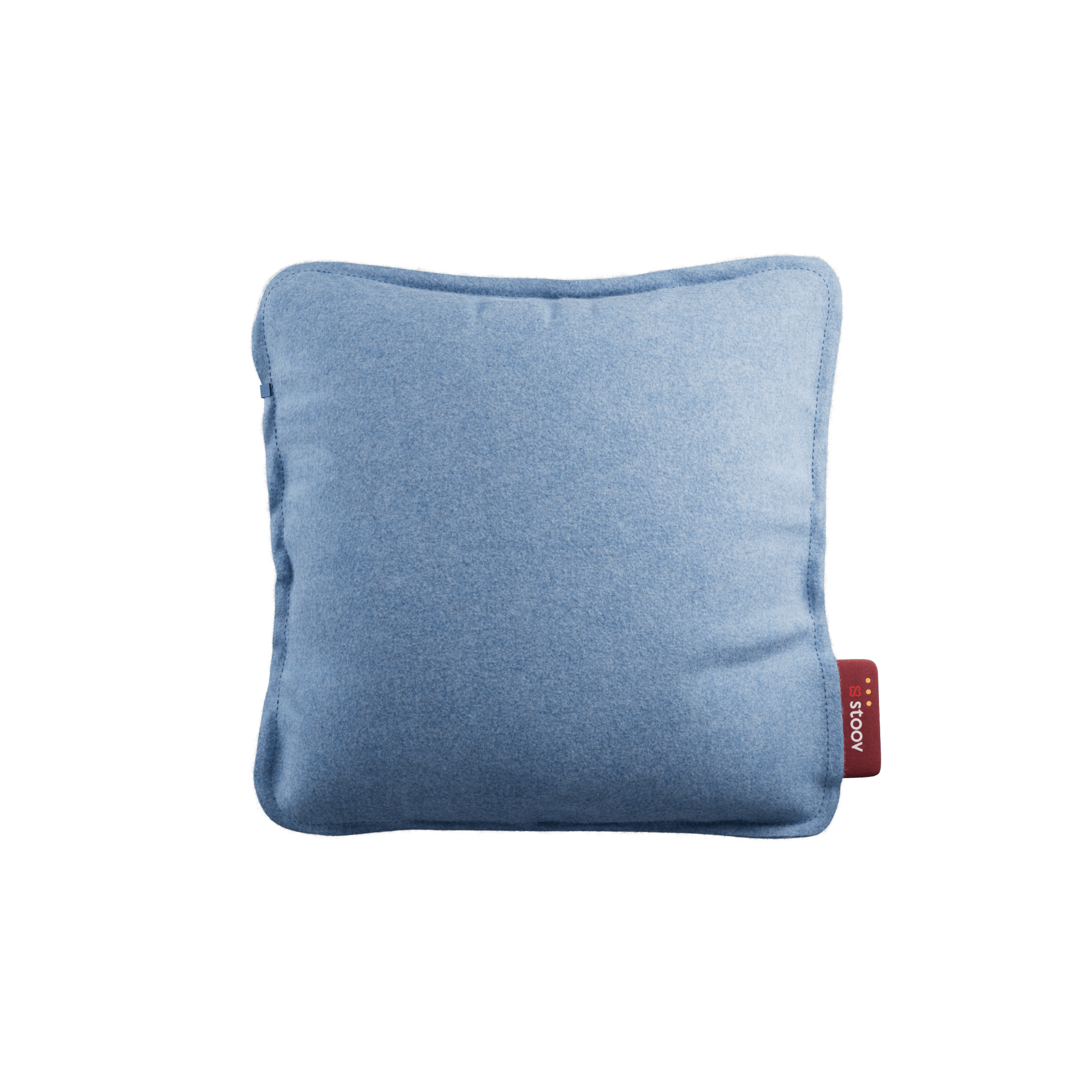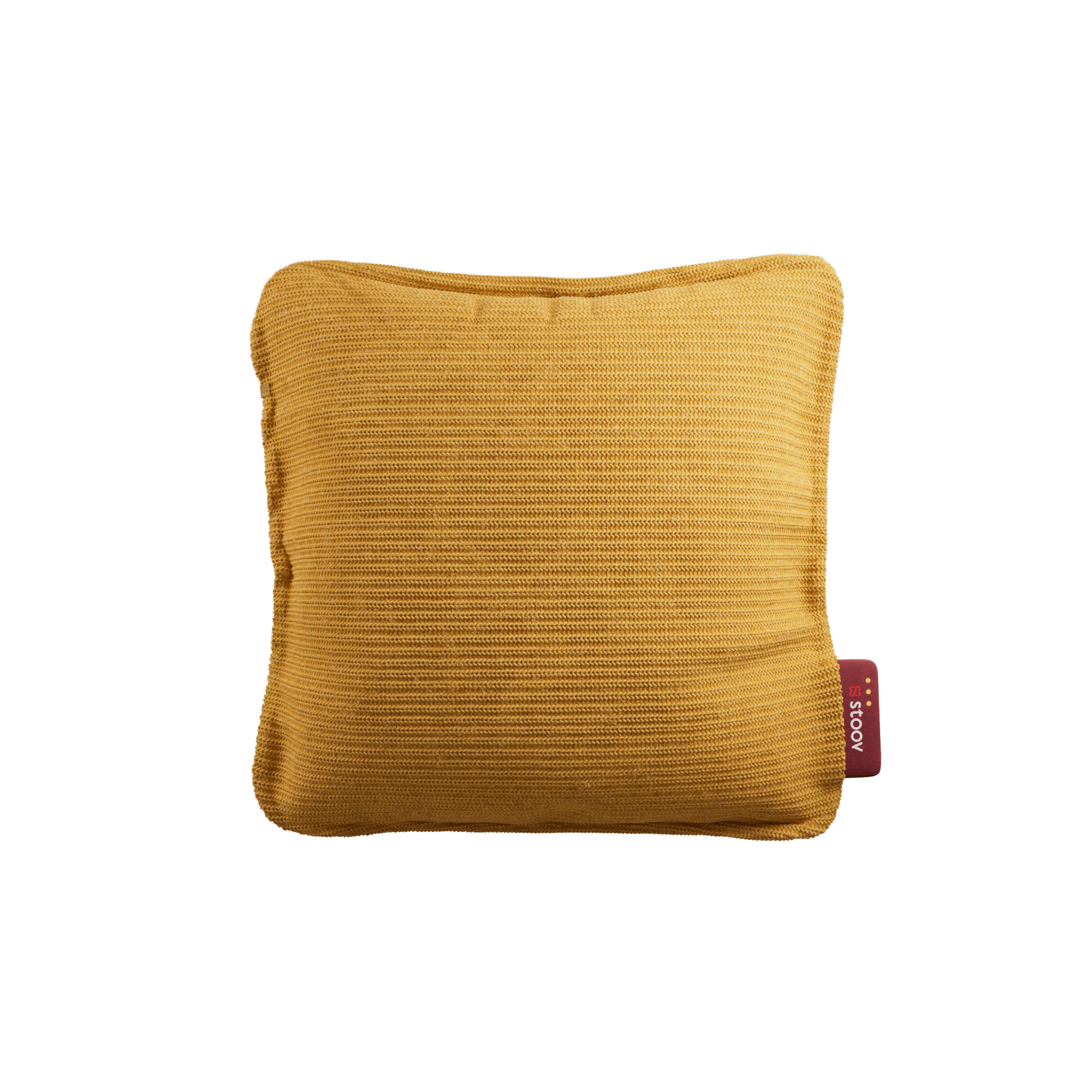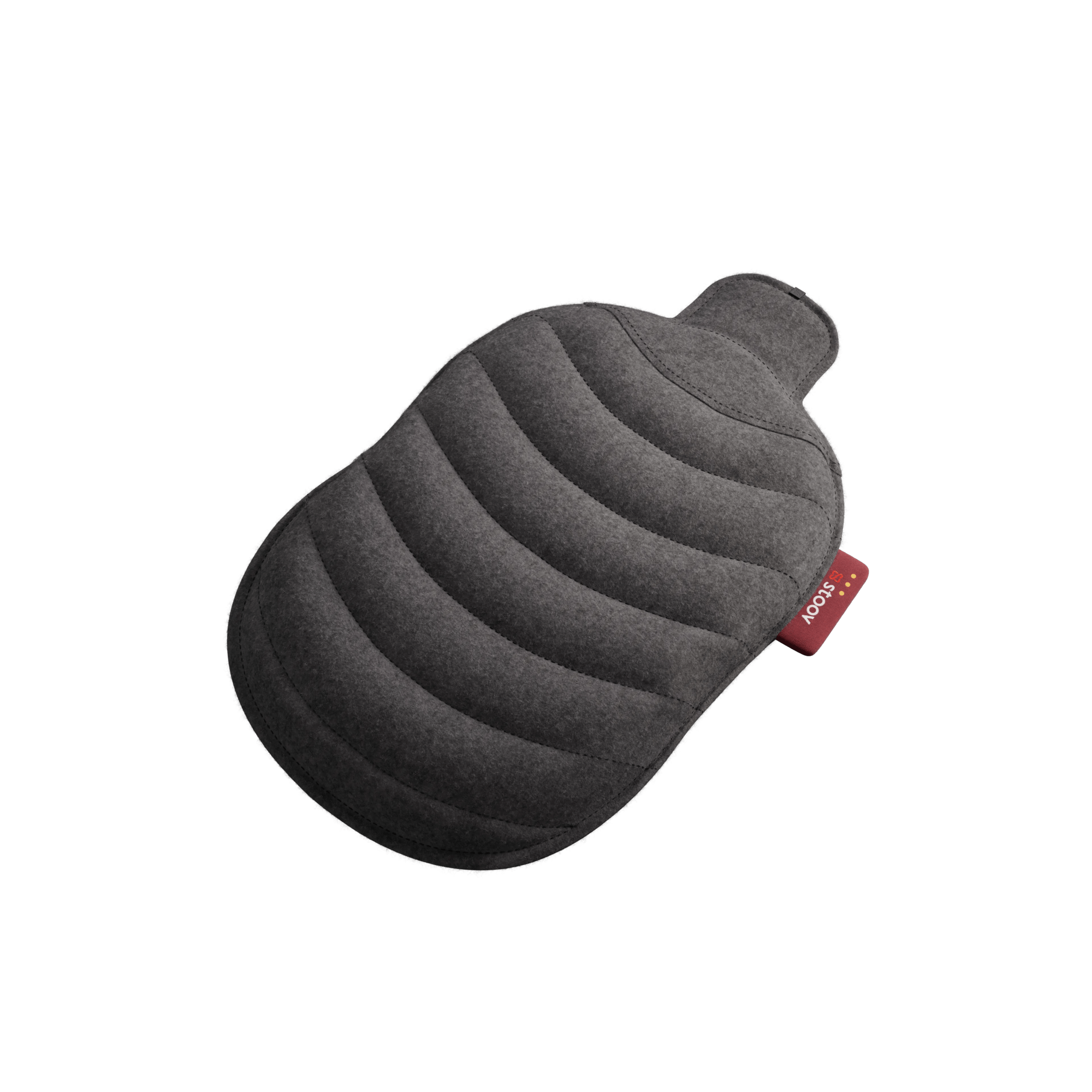
A simple step-by-step guide
Getting cosy has never been this simple. With your new Stoov, you are just a few easy steps away from instant warmth and comfort. Follow this guide and you will be snuggled up in no time, enjoying your Stoov to the fullest.

Step 1: Connect the battery
Open the zipper, find the round cable inside, and plug it into the battery. Place the battery in the battery pocket and close the zipper.
(Do not use the USB-C port for connecting the battery.)

Step 2: Charge before first use
Charge your Stoov fully before using it for the first time.
Important: Always charge your Stoov through the USB-C port on the smart label.
For fast charging, use a 30 W USB-C adapter.

Step 3: Turn it on
Use the slide switch on the smart label to turn your Stoov on.
Press the Stoov button to select your heat level:
• 1 light = low
• 2 lights = medium
• 3 lights = high

Extra tips for maximum comfort
• Use the original cable and a 30 W adapter
• Charge only through the smartlabel
• Keep the battery in its pocket
• You can use your Stoov while charging, but it will charge more slowly

Find instructions for your product
Each Stoov product is a little different. To make things easy, we have detailed step-by-step instructions for every model. Click on your product below to see the full guide: